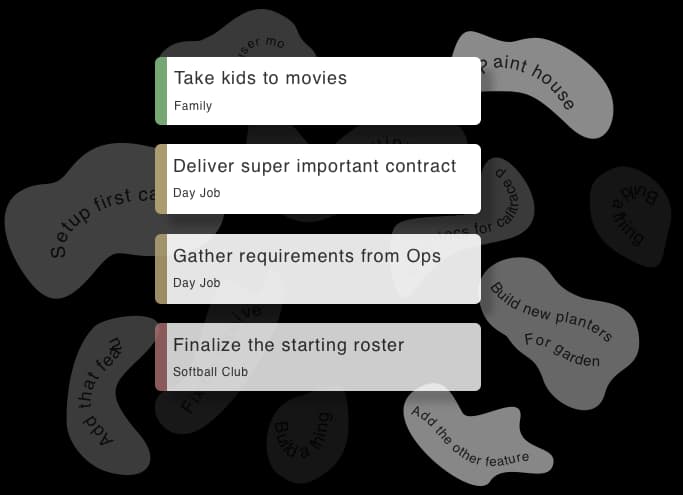
Any tasks, one click.
Drindal doesn't lock tasks inside workspaces or other silos. Every task you have access to — work, family, personal — is always available. Define the filtered views you want, save them, switch instantly. And because Drindal is a connected native app, there's no lag, no loading... just your tasks.
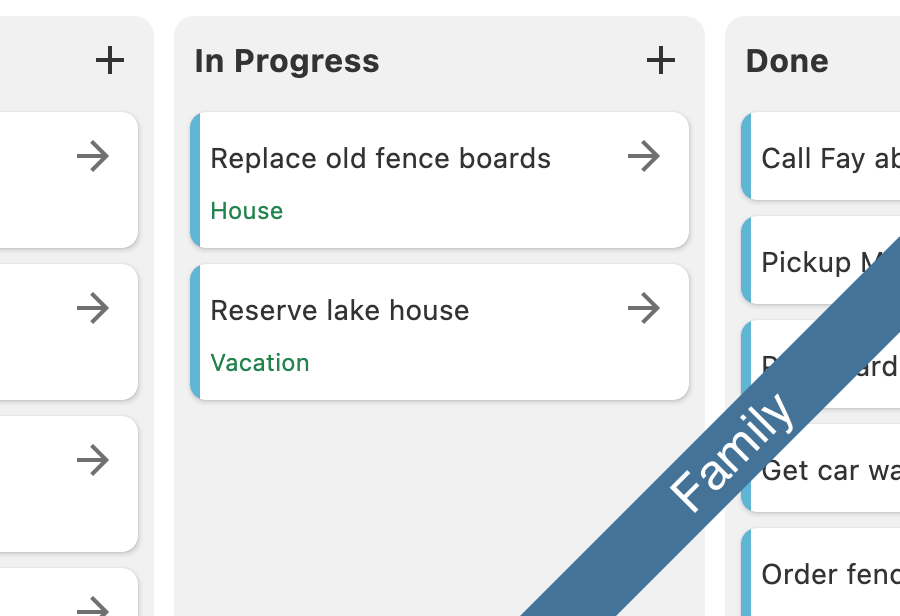
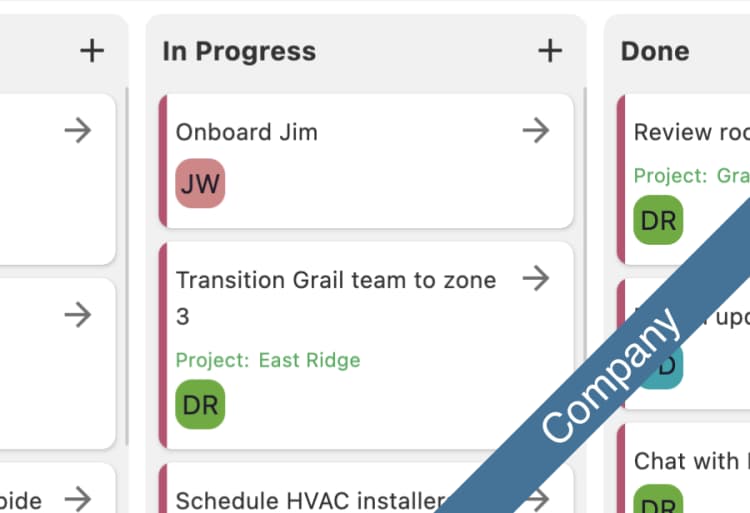
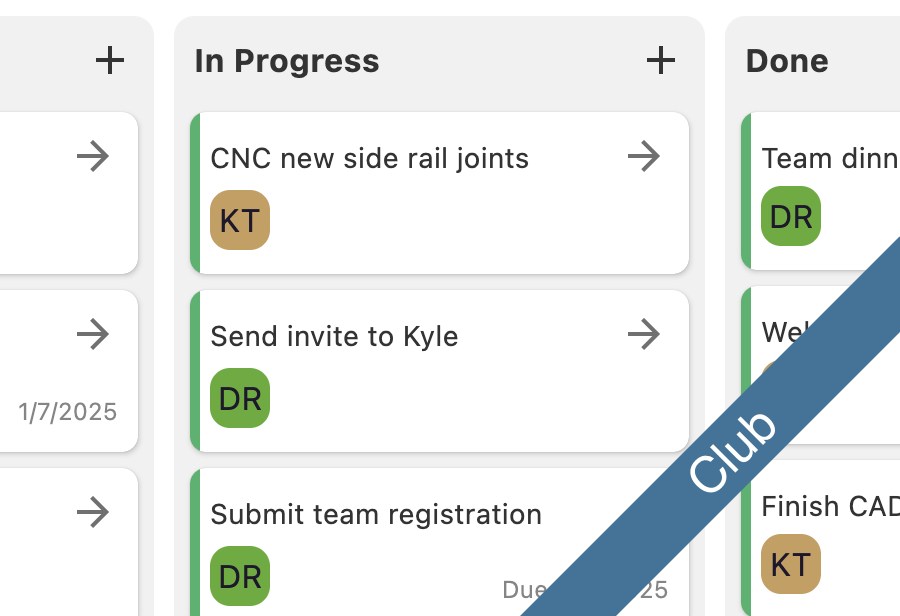
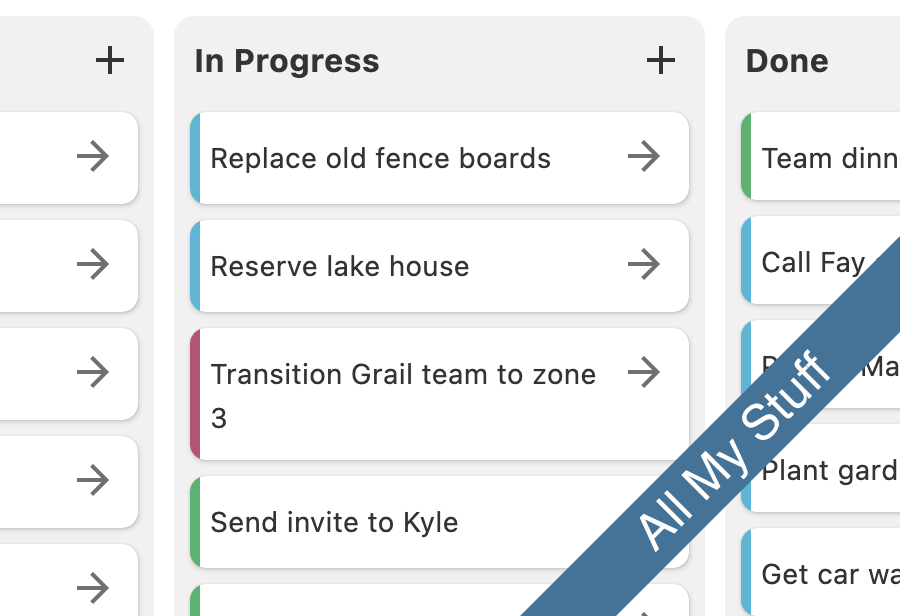
Work the way your brain works
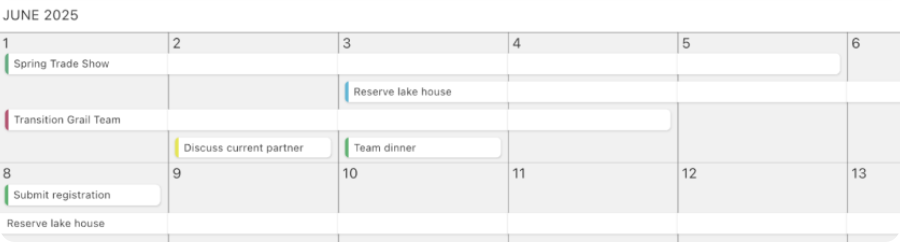
Switch between views like Kanban, table, calendar, and timeline depending on what you're trying to accomplish.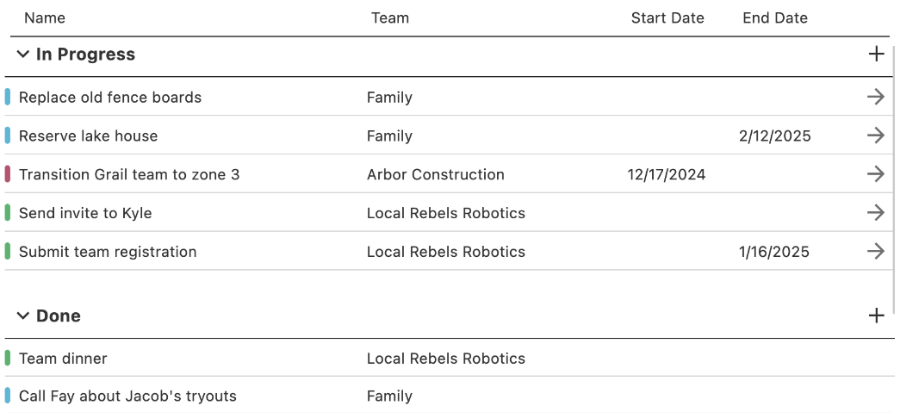
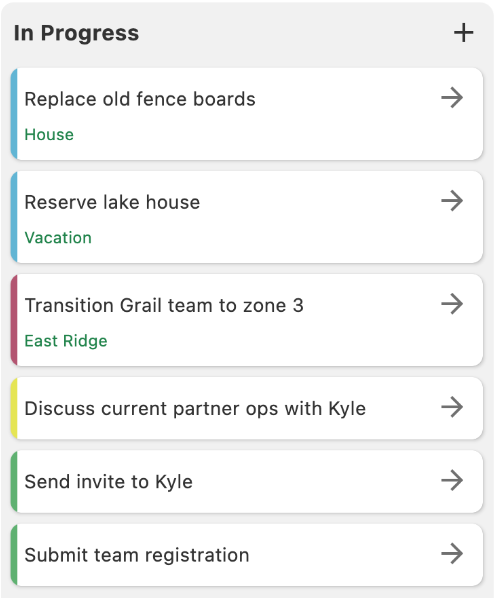
Your tasks carry as much detail as you need
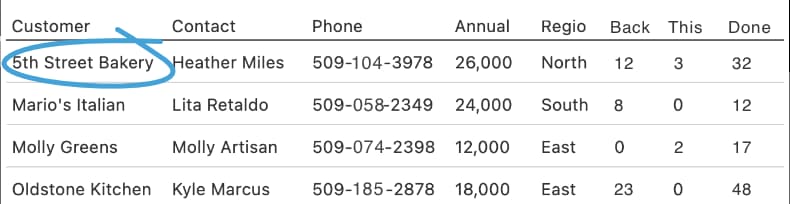
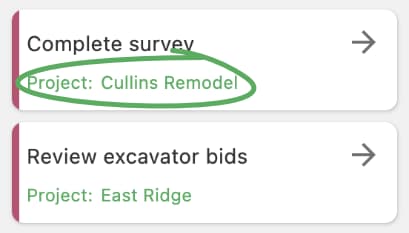
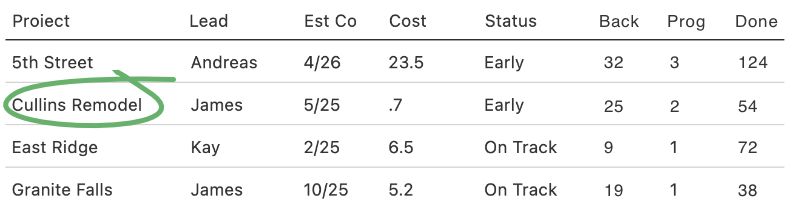
Attach custom fields to your tags — track customer contacts, project details, sales data, or anything else — and use it all to filter your views.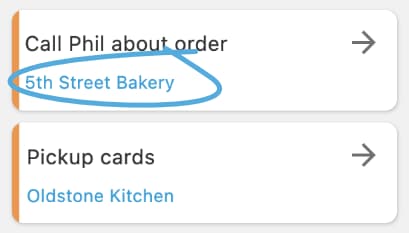
See the bigger picture
Go beyond task lists with charts and dashboards that show workload, progress, and the data behind your tags.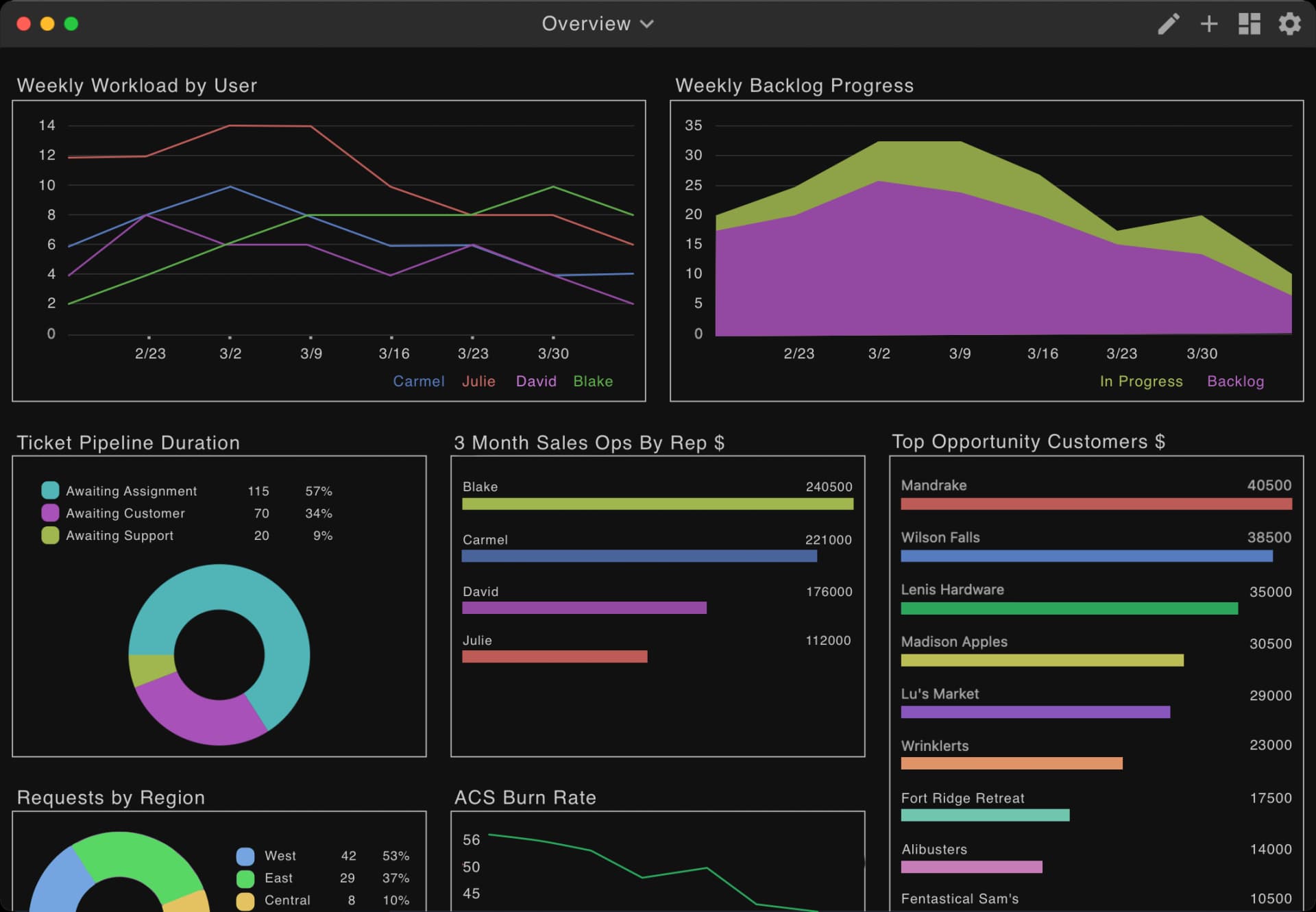
Built native. On principle.
Drindal is a native app on Mac, Windows, iOS, and Android — not a website dressed up as an app. Native apps are faster, more responsive, and work better with your device. Drindal updates itself automatically, so there's nothing to manage. You get the speed and reliability of a desktop app with the convenience of a mobile one.
Available on Mac, Windows, iOS, and Android.
One price. Every feature. No tiers.
User Plan
Family Plan
Stop losing things in the noise.
Download Drindal free. No credit card. Available on Mac, Windows, iOS, and Android.
Start FreeEverything included. No exceptions.
Every plan includes every feature. Here's what that means:* Family pricing includes up to 6 family members.